MineTexture Open Editor

3D models

A box-based model editor that writes the same JSON models Minecraft uses. You don't need a separate modelling app or an export step.

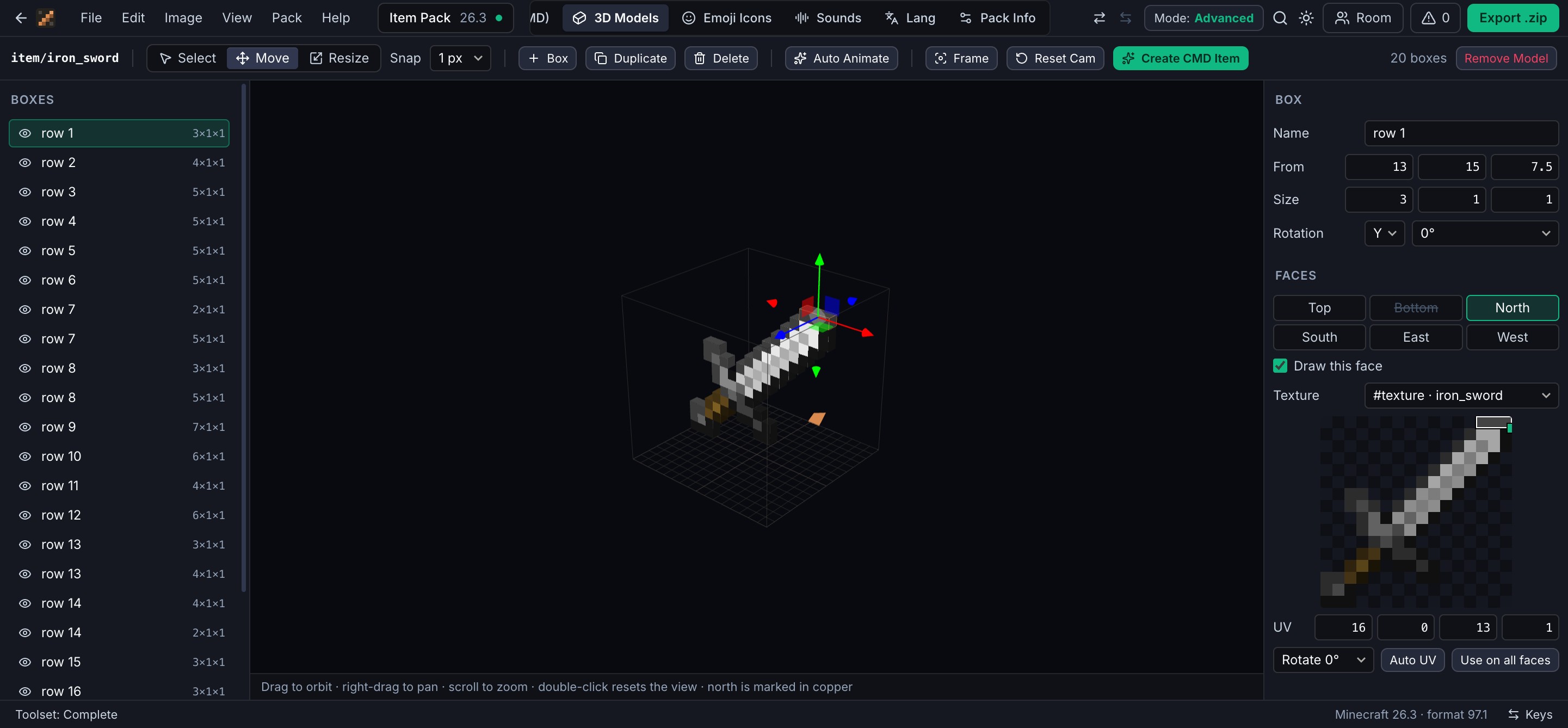
The 3D model editor: an outliner of boxes, an iron sword extruded into 3D with a move gizmo, and the box properties with the UV editor.
An iron sword extruded from its texture, one box per row of pixels.
Pick what to replace

Any item, or any block. Block models replace the block everywhere its blockstate uses a model, and keep their rotations.

Choose a start

The vanilla model with every box in place, a single cube, or the item texture extruded into a solid 3D shape.

Shape it

Move and resize with gizmos that snap to ¼, ½, 1, 2 or 4 pixels. Type exact sizes, rotate by 22.5°, set a pivot.

Texture it

Each face picks a texture slot and a UV area you can drag on the texture. Slots can use any vanilla or pack texture.

Live previews

The Block tab and the 3D view beside the canvas render the real model, including your custom ones. Paint on a texture and the 3D views repaint while you draw.

Keys in the editor: G move, S resize, N new box, D duplicate, Delete remove. Drag to orbit, scroll to zoom, double-click to reset the view.
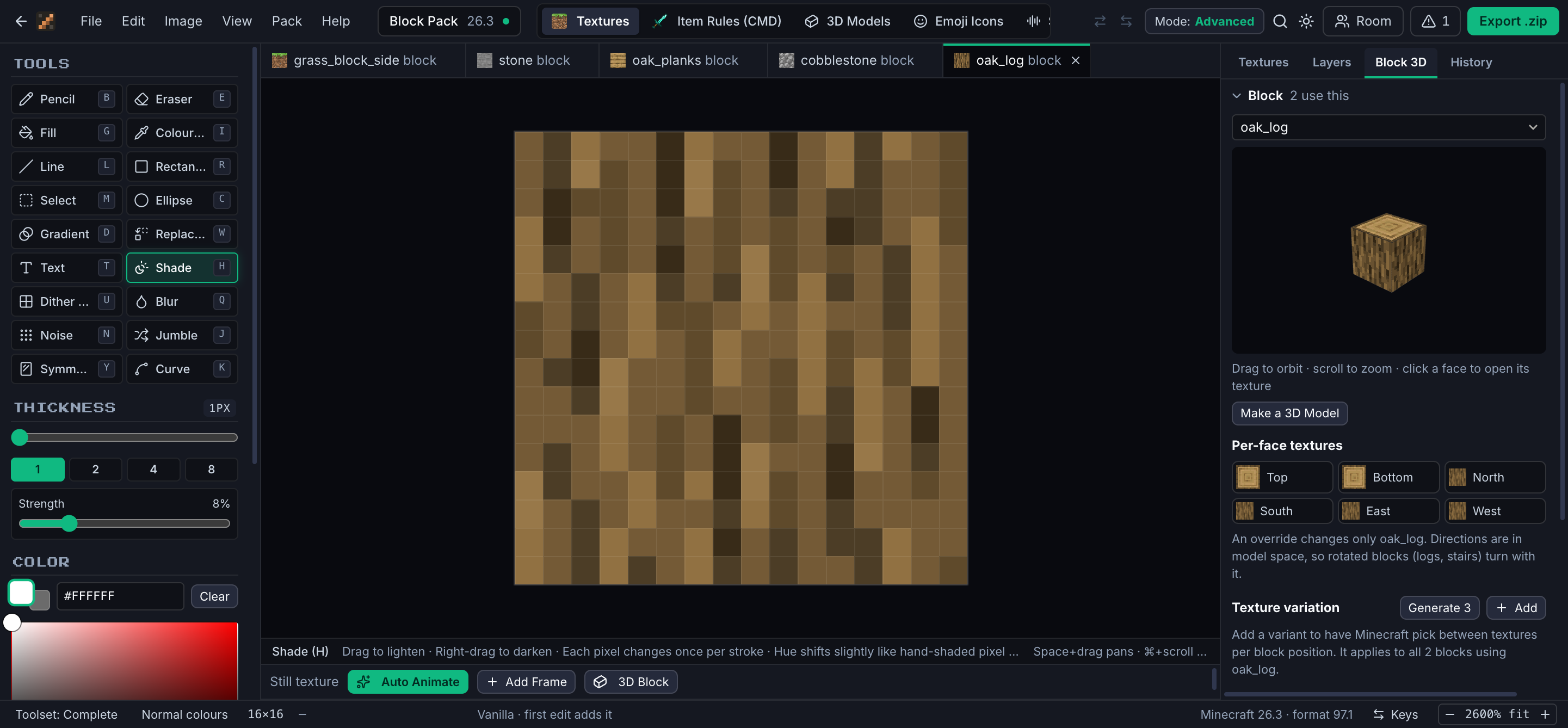
The Block inspector with a 3D oak log.

What gets written

Item models go to models/item/ with display poses included. Block models go to models/block/mt/ and the block’s blockstate points at them, so shared vanilla models stay untouched. Minecraft’s limits are checked before export: boxes must stay within −16…32 and rotate at most 45°.

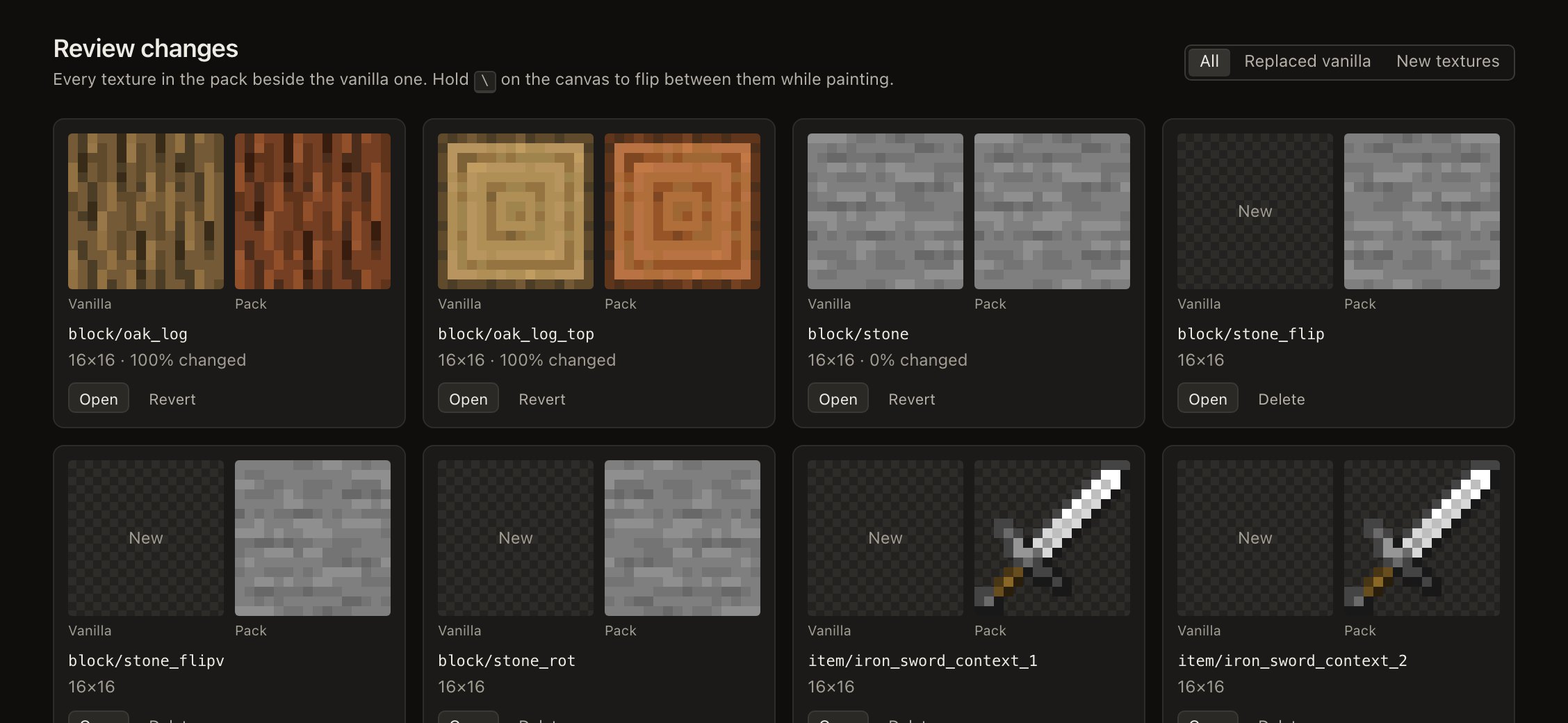
Review page showing pack textures beside vanilla.
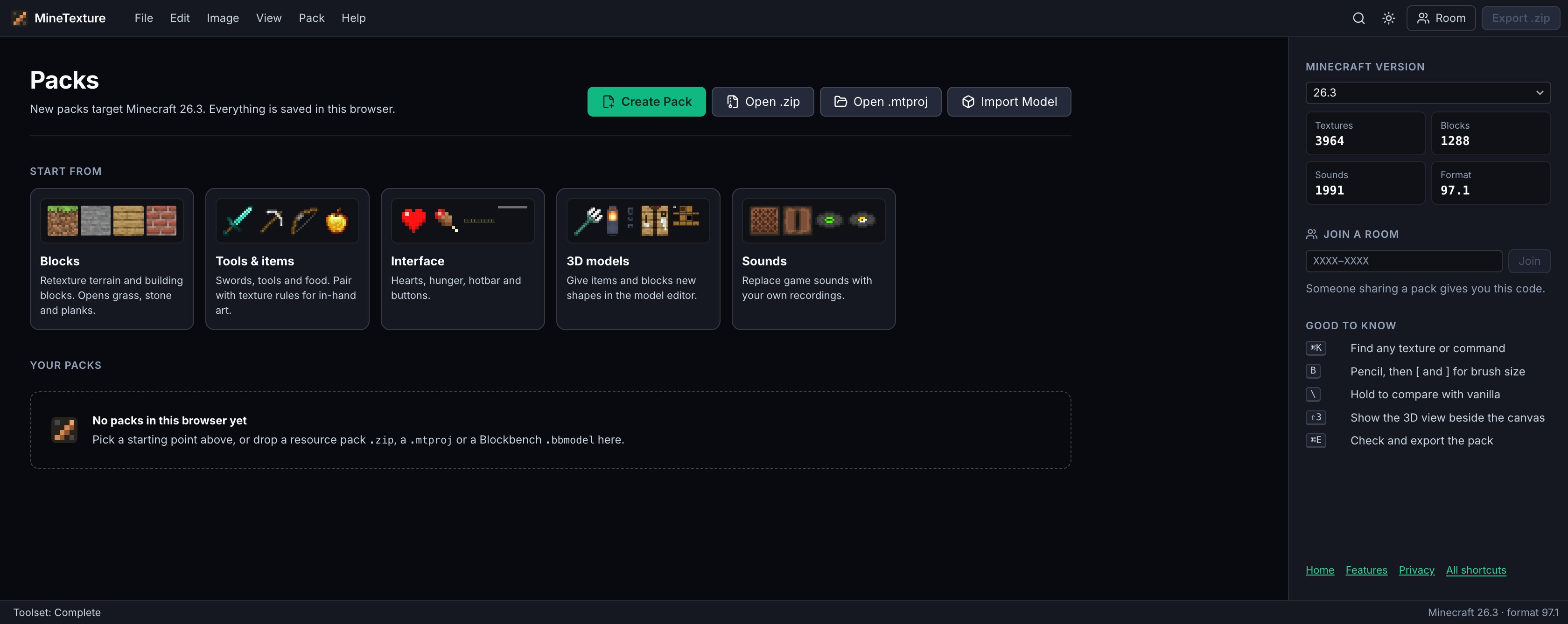
The MineTexture packs screen with Create Pack, Open .zip and Open .mtproj.

Start with an empty pack, or open one you already have.

Open Editor